
AI · Uses credits
AI Art Nouveau generator
Weave a subject into curving stems, floral ornament and a composed decorative frame.
AI generation requires sign-in, available credits and a compatible published model.
Your canvas
Art NouveauRoom for your next idea.
Choose a style and describe what you imagine. Your original artwork will appear here.
Reinterpret your image with an AI model, a description and credits.
How to use this tool
The strongest direction connects ornament to the subject rather than adding a busy border everywhere. Describe a flower, a repeating curve or a color relationship that can tie the figure and surrounding decoration together.
Choose your starting point
Describe a subject, setting and mood. Sign in and choose an available AI model.
Shape the result
Choose the canvas ratio and refine your description. The selected model determines the credit cost and available settings.
Keep what you made
Compare the result with your source when available, then download the image before leaving or refreshing the page.
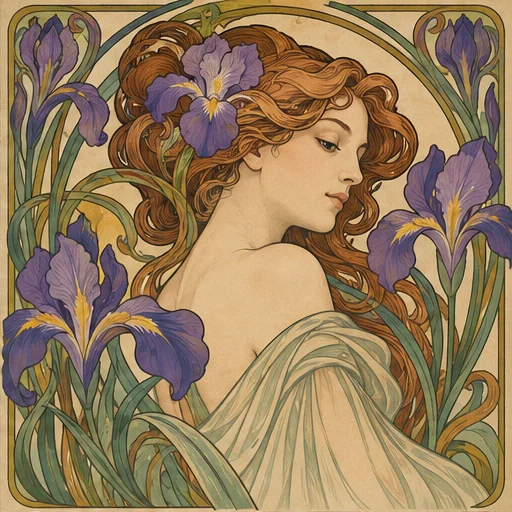
Style reference
A prompt to get you started
A violinist framed by tall iris flowers, graceful looping stems, flattened olive and cream colors, a quiet upper margin and no lettering.
Pick one botanical motif and repeat it sparingly. Leave a quiet area if you plan to add text later.
What you can make
Develop decorative portrait and botanical poster images.
Explore long curves, flattened shapes and harmonious muted color.
Questions about this tool
Can it make a finished poster with exact typography?
It can create the decorative artwork, but exact text and font layout are not guaranteed. Add final typography in an editor for a predictable poster.
What do I need to use an AI tool?
Sign in, choose a compatible published model and have enough credits for its displayed price. Available models and image sizes may vary; AI generation is not a free fixed effect.
When is my image sent, and is the history saved?
Your image or description is sent when you run the tool. Fixed effects run on our server; AI requests go to the selected model provider. The on-page history lasts only for this session, so download results before refreshing or leaving.
Explore related tools
Browse all art tools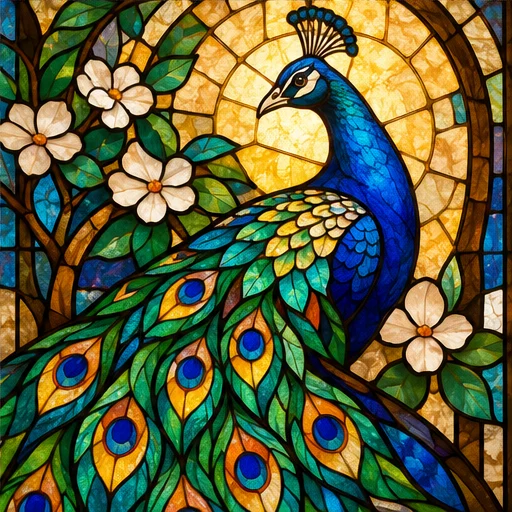
2D art
AI stained glass generator
Divide a motif into colored sections of light framed by strong dark lines.
Open tool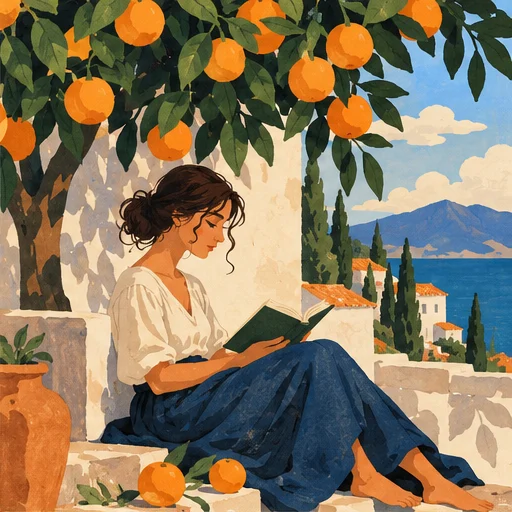
2D art
AI illustration generator
Turn a story or abstract idea into a visual scene with a clear point of view.
Open tool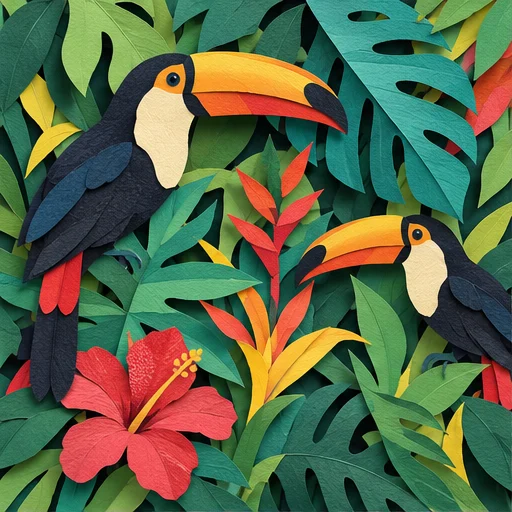
2D art
AI paper cut art generator
Build an illustration from distinct paper-like shapes and the shadows between them.
Open tool