
AI · Uses credits
AI gouache painting generator
Give a subject solid, matte color and brush marks that remain visible on the paper.
AI generation requires sign-in, available credits and a compatible published model.
Your canvas
GouacheRoom for your next idea.
Choose a style and describe what you imagine. Your original artwork will appear here.
Reinterpret your image with an AI model, a description and credits.
How to use this tool
Gouache is a useful direction for compact still lifes, travel illustrations and graphic scenes. Emphasize flat painted shapes and selective dry-brush detail to keep it distinct from transparent watercolor washes.
Choose your starting point
Describe a subject, setting and mood. Sign in and choose an available AI model.
Shape the result
Choose the canvas ratio and refine your description. The selected model determines the credit cost and available settings.
Keep what you made
Compare the result with your source when available, then download the image before leaving or refreshing the page.
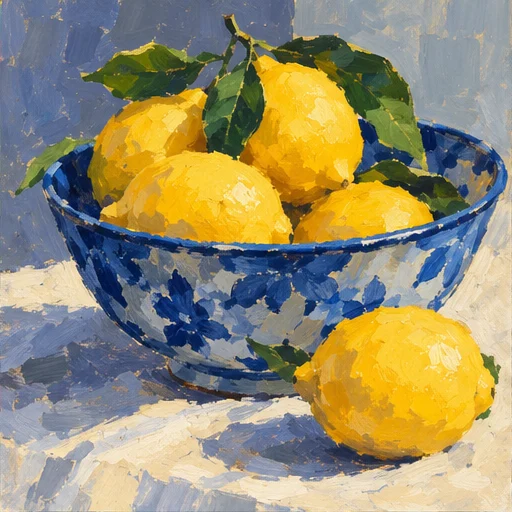
Style reference
A prompt to get you started
A blue jug with oranges on a cream table, opaque matte colors, broad flat shapes and a few dry-brush marks on warm paper.
Name a few color blocks and ask for detail only around the focal object. Avoid describing every surface as glossy.
What you can make
Develop strong color shapes for editorial and decorative images.
Balance opaque paint coverage with small areas of paper texture.
Questions about this tool
How is the gouache look different from watercolor?
Gouache emphasizes opaque, matte layers and solid shapes. Watercolor emphasizes transparent washes and light through the paper. Both are AI-generated visual interpretations.
What do I need to use an AI tool?
Sign in, choose a compatible published model and have enough credits for its displayed price. Available models and image sizes may vary; AI generation is not a free fixed effect.
When is my image sent, and is the history saved?
Your image or description is sent when you run the tool. Fixed effects run on our server; AI requests go to the selected model provider. The on-page history lasts only for this session, so download results before refreshing or leaving.
Explore related tools
Browse all art tools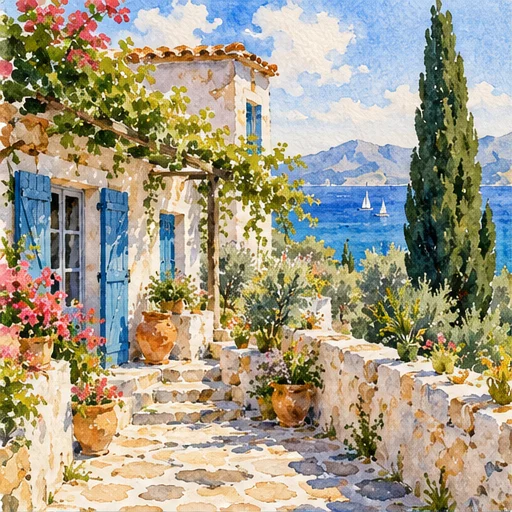
2D art
AI watercolor generator
Give a scene room to breathe through translucent color, softened edges and untouched paper.
Open tool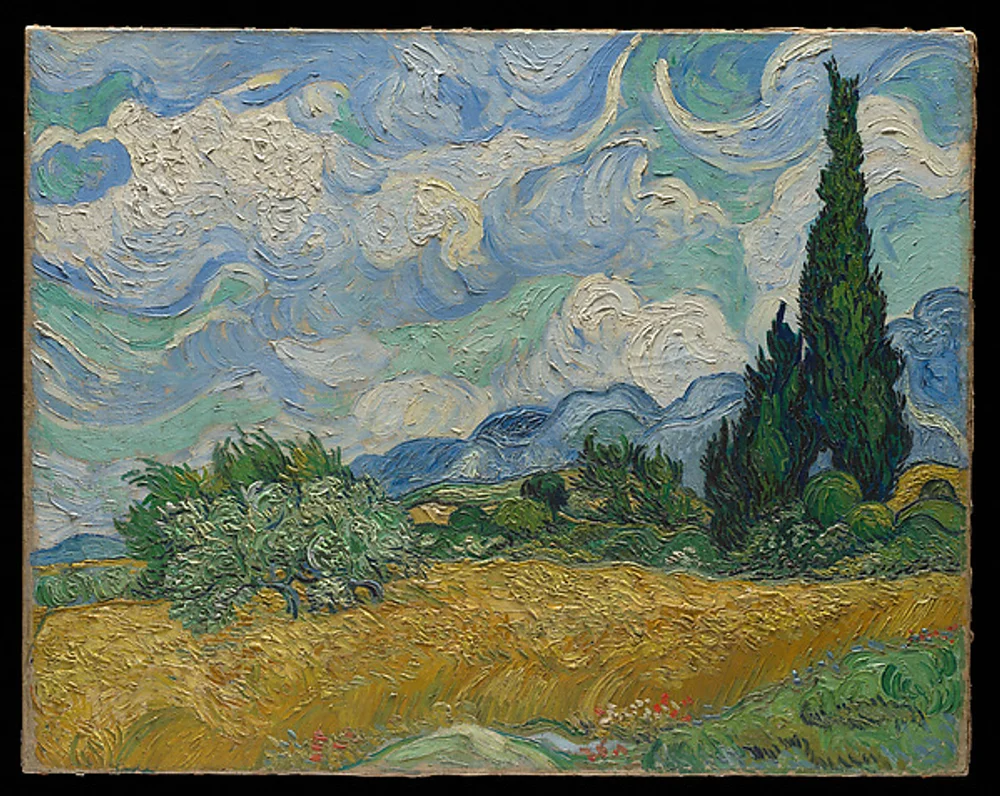
2D art
AI oil painting generator
Build a portrait, landscape or still life around rich color and visible brushwork.
Open tool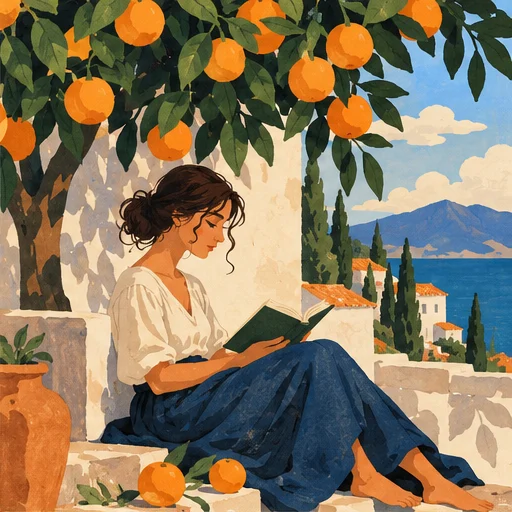
2D art
AI illustration generator
Turn a story or abstract idea into a visual scene with a clear point of view.
Open tool