
AI · Uses credits
AI chrome art generator
Use reflected light to give an imagined object the appearance of polished mirror metal.
AI generation requires sign-in, available credits and a compatible published model.
Your canvas
ChromeRoom for your next idea.
Choose a style and describe what you imagine. Your original artwork will appear here.
Reinterpret your image with an AI model, a description and credits.
How to use this tool
Chrome is defined by what it reflects as much as by its outline. Describe bright panels, dark surroundings or a single reflected strip to help the model reveal curved metal surfaces without losing the silhouette.
Choose your starting point
Describe a subject, setting and mood. Sign in and choose an available AI model.
Shape the result
Choose the canvas ratio and refine your description. The selected model determines the credit cost and available settings.
Keep what you made
Compare the result with your source when available, then download the image before leaving or refreshing the page.
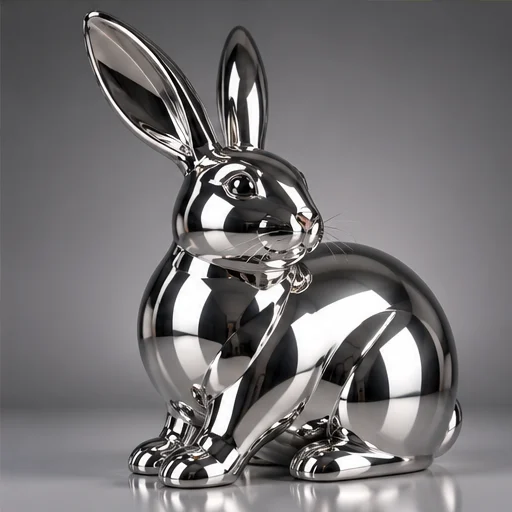
Style reference
A prompt to get you started
A curved chrome ribbon standing on a charcoal surface, two tall white light strips reflected in the metal and a clean sculptural silhouette.
Keep the object shape simple and describe the lighting environment. Too many reflections can hide small features.
What you can make
Develop sculptural symbols and polished object images.
Explore strong contrasts between bright reflections and dark metal areas.
Questions about this tool
Can I download a metallic material or reflection map?
No. The tool generates the visible image, not PBR textures, an environment map or a material you can apply to a 3D model.
What do I need to use an AI tool?
Sign in, choose a compatible published model and have enough credits for its displayed price. Available models and image sizes may vary; AI generation is not a free fixed effect.
When is my image sent, and is the history saved?
Your image or description is sent when you run the tool. Fixed effects run on our server; AI requests go to the selected model provider. The on-page history lasts only for this session, so download results before refreshing or leaving.
Explore related tools
Browse all art tools
3D-inspired image
AI glass art generator
Shape an image around transparent-looking surfaces and the light passing through them.
Open tool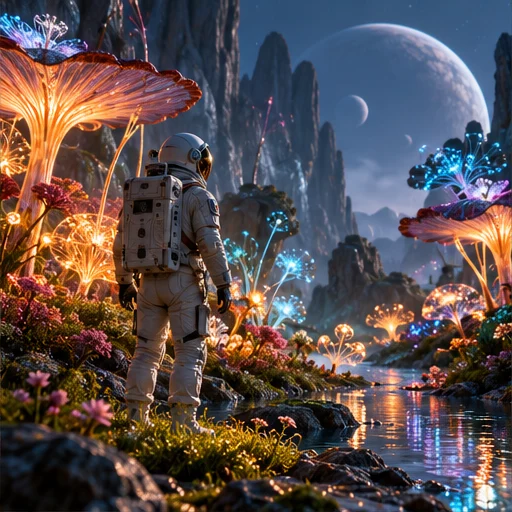
3D-inspired image
AI 3D image generator
Describe the materials, light and camera angle of a scene to create a rendered-looking image.
Open tool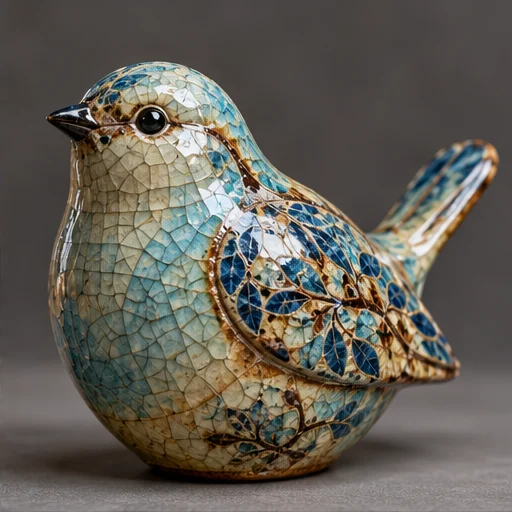
3D-inspired image
AI ceramic art generator
Imagine the shape, glaze and light of a handmade ceramic object.
Open tool