
AI · Uses credits
AI 3D image generator
Describe the materials, light and camera angle of a scene to create a rendered-looking image.
AI generation requires sign-in, available credits and a compatible published model.
Your canvas
3D renderRoom for your next idea.
Choose a style and describe what you imagine. Your original artwork will appear here.
Reinterpret your image with an AI model, a description and credits.
How to use this tool
This style brings material contrast and coherent lighting to the foreground. It is useful for exploring visual concepts for objects, sets and environments before any separate modeling or production work.
Choose your starting point
Describe a subject, setting and mood. Sign in and choose an available AI model.
Shape the result
Choose the canvas ratio and refine your description. The selected model determines the credit cost and available settings.
Keep what you made
Compare the result with your source when available, then download the image before leaving or refreshing the page.
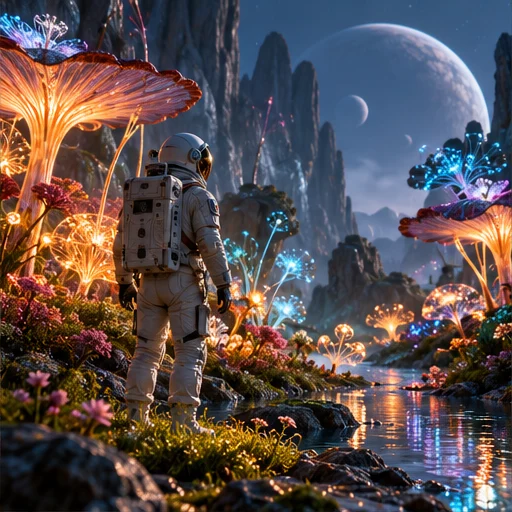
Style reference
A prompt to get you started
A sculptural table lamp in a quiet room, brushed metal and warm translucent shade, soft indirect light and a low three-quarter camera view.
Choose one dominant material and one lighting setup first. Add secondary details only after the main shape reads clearly.
What you can make
Explore product-like and cinematic scene images from text.
Specify surfaces, lighting direction and camera distance in one description.
Questions about this tool
Is this a 3D model generator?
No. It produces a flat image with a rendered appearance. It does not create editable geometry, a scene file or a model that you can rotate.
What do I need to use an AI tool?
Sign in, choose a compatible published model and have enough credits for its displayed price. Available models and image sizes may vary; AI generation is not a free fixed effect.
When is my image sent, and is the history saved?
Your image or description is sent when you run the tool. Fixed effects run on our server; AI requests go to the selected model provider. The on-page history lasts only for this session, so download results before refreshing or leaving.
Explore related tools
Browse all art tools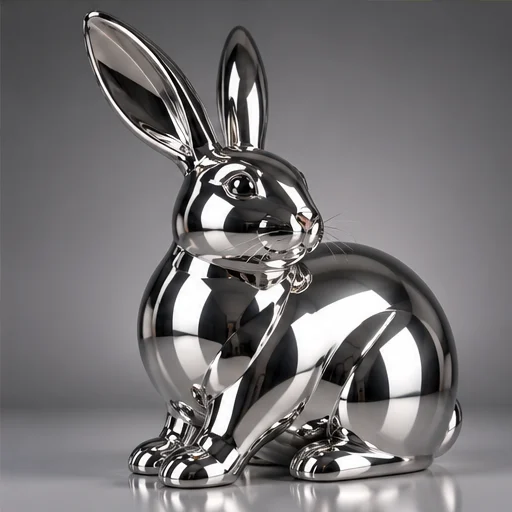
3D-inspired image
AI chrome art generator
Use reflected light to give an imagined object the appearance of polished mirror metal.
Open tool
3D-inspired image
AI glass art generator
Shape an image around transparent-looking surfaces and the light passing through them.
Open tool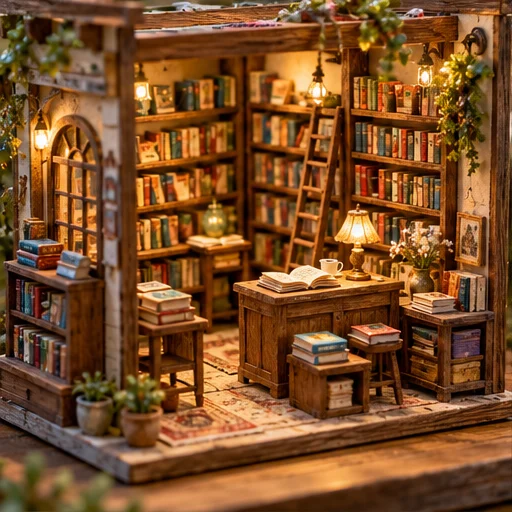
3D-inspired image
AI miniature diorama generator
Build a tiny world as an image, with small details that suggest careful handcraft.
Open tool