
AI · Uses credits
AI miniature diorama generator
Build a tiny world as an image, with small details that suggest careful handcraft.
AI generation requires sign-in, available credits and a compatible published model.
Your canvas
MiniatureRoom for your next idea.
Choose a style and describe what you imagine. Your original artwork will appear here.
Reinterpret your image with an AI model, a description and credits.
How to use this tool
A miniature scene feels convincing when the scale cues agree: small props, model-like materials and a close viewpoint. Choose a focal area so depth of field can separate the main story from the surrounding details.
Choose your starting point
Describe a subject, setting and mood. Sign in and choose an available AI model.
Shape the result
Choose the canvas ratio and refine your description. The selected model determines the credit cost and available settings.
Keep what you made
Compare the result with your source when available, then download the image before leaving or refreshing the page.
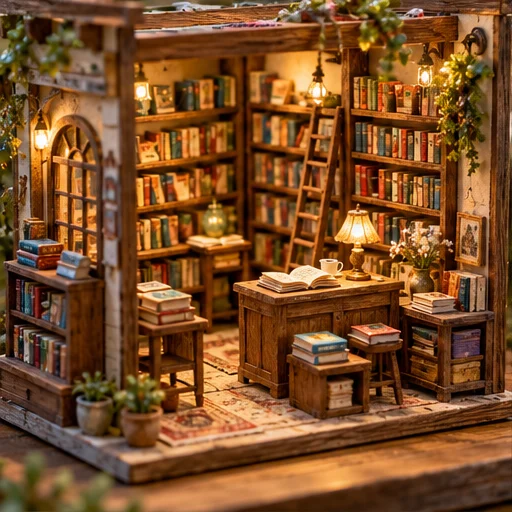
Style reference
A prompt to get you started
A handmade miniature bakery on a wooden base, tiny bread baskets, painted window frames and shallow close-up focus on the front door.
Mention a few specific props and where the focus should fall. Avoid asking every distant object to be equally sharp.
What you can make
Explore little shops, rooms and landscape dioramas.
Guide model-making textures and a close-up photographic appearance.
Questions about this tool
Will I receive a scale model plan with measurements?
No. This creates a miniature-style image, not a construction plan. Dimensions, materials and physical scale would need to be designed separately.
What do I need to use an AI tool?
Sign in, choose a compatible published model and have enough credits for its displayed price. Available models and image sizes may vary; AI generation is not a free fixed effect.
When is my image sent, and is the history saved?
Your image or description is sent when you run the tool. Fixed effects run on our server; AI requests go to the selected model provider. The on-page history lasts only for this session, so download results before refreshing or leaving.
Explore related tools
Browse all art tools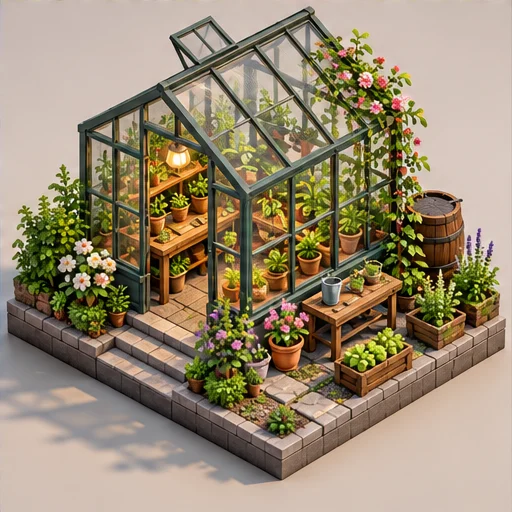
3D-inspired image
AI isometric art generator
See a small world from an orderly, elevated angle with its main parts in view.
Open tool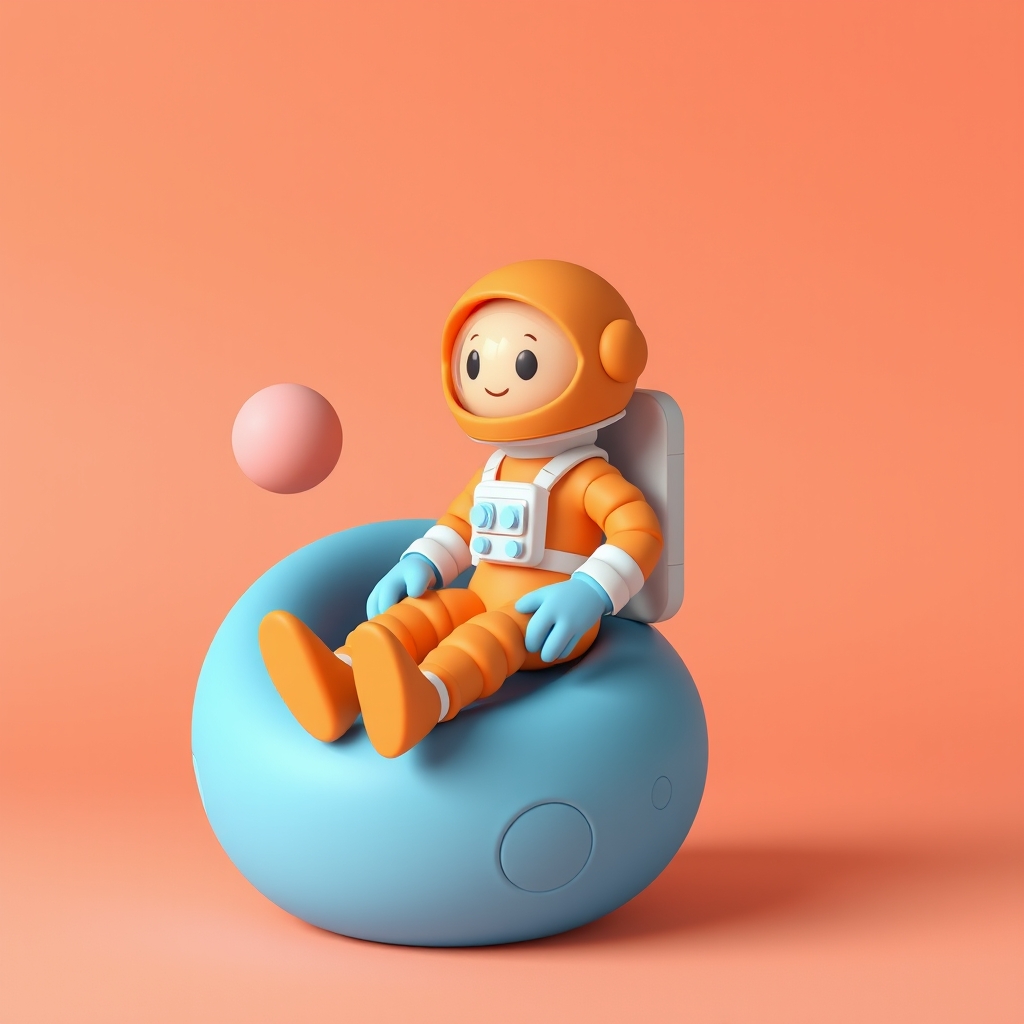
3D-inspired image
AI clay art generator
Turn an idea into a soft, rounded subject with a handmade clay appearance.
Open tool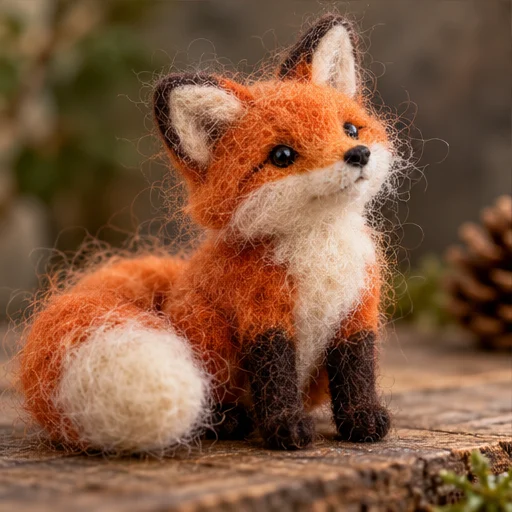
3D-inspired image
AI felt art generator
Give an animal or character the soft edges and visible fibers of a wool sculpture.
Open tool