
AI · Uses credits
AI isometric art generator
See a small world from an orderly, elevated angle with its main parts in view.
AI generation requires sign-in, available credits and a compatible published model.
Your canvas
IsometricRoom for your next idea.
Choose a style and describe what you imagine. Your original artwork will appear here.
Reinterpret your image with an AI model, a description and credits.
How to use this tool
Isometric-style images suit room cutaways, compact city scenes and product illustrations. Describe which walls are open, where the main objects sit and how much surrounding space should remain visible.
Choose your starting point
Describe a subject, setting and mood. Sign in and choose an available AI model.
Shape the result
Choose the canvas ratio and refine your description. The selected model determines the credit cost and available settings.
Keep what you made
Compare the result with your source when available, then download the image before leaving or refreshing the page.
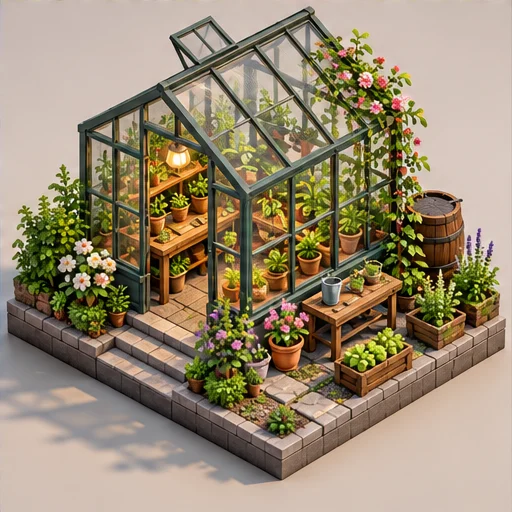
Style reference
A prompt to get you started
An open corner of a tiny bookshop, parallel vertical lines, two visible walls, a reading table and warm light from the upper left.
Limit the number of props and name the visible sides. A simple arrangement makes the scene easier to read.
What you can make
Develop readable room and city-block illustration concepts.
Explore small scenes with parallel-looking edges and consistent lighting.
Questions about this tool
Are the perspective and dimensions mathematically exact?
No. AI can suggest an isometric appearance but does not guarantee exact projection, scale or measurements. It is not CAD or an architectural plan.
What do I need to use an AI tool?
Sign in, choose a compatible published model and have enough credits for its displayed price. Available models and image sizes may vary; AI generation is not a free fixed effect.
When is my image sent, and is the history saved?
Your image or description is sent when you run the tool. Fixed effects run on our server; AI requests go to the selected model provider. The on-page history lasts only for this session, so download results before refreshing or leaving.
Explore related tools
Browse all art tools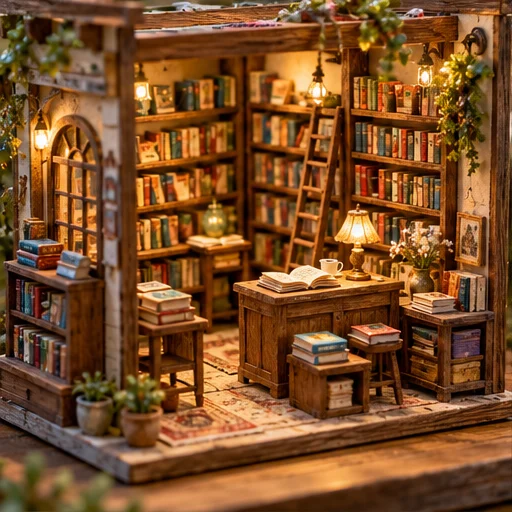
3D-inspired image
AI miniature diorama generator
Build a tiny world as an image, with small details that suggest careful handcraft.
Open tool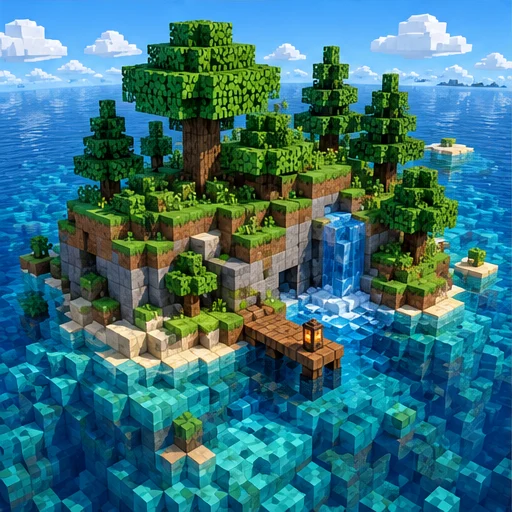
3D-inspired image
AI voxel art generator
Imagine a scene assembled from small cubic building blocks.
Open tool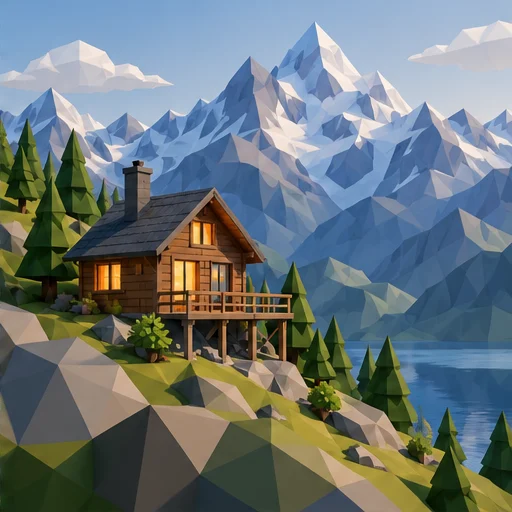
3D-inspired image
AI low poly art generator
Let clear facets and simple forms give your subject a geometric appearance.
Open tool