
AI · Uses credits
AI low poly art generator
Let clear facets and simple forms give your subject a geometric appearance.
AI generation requires sign-in, available credits and a compatible published model.
Your canvas
Low polyRoom for your next idea.
Choose a style and describe what you imagine. Your original artwork will appear here.
Reinterpret your image with an AI model, a description and credits.
How to use this tool
Low-poly-style artwork suggests surfaces made from large angular planes. A clear silhouette and one light direction help those planes read as a coherent object or landscape rather than scattered triangles.
Choose your starting point
Describe a subject, setting and mood. Sign in and choose an available AI model.
Shape the result
Choose the canvas ratio and refine your description. The selected model determines the credit cost and available settings.
Keep what you made
Compare the result with your source when available, then download the image before leaving or refreshing the page.
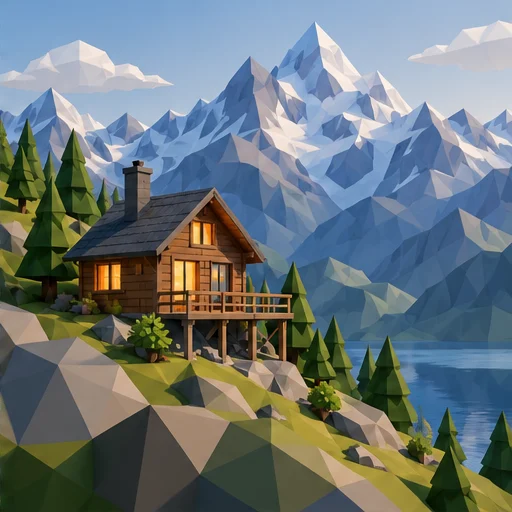
Style reference
A prompt to get you started
A mountain goat standing on an angular rock, broad triangular facets, a muted palette and warm light from the left.
Request large facets for a simple subject. Avoid adding many tiny surface details that compete with the geometric treatment.
What you can make
Explore faceted animals, mountains and geometric scene images.
Use lighting and a restrained palette to make broad planes readable.
Questions about this tool
Can I download a low-poly mesh or control its polygon count?
No. This generates an image with a faceted appearance, not an OBJ, GLB or editable mesh. There is no actual polygon-count setting.
What do I need to use an AI tool?
Sign in, choose a compatible published model and have enough credits for its displayed price. Available models and image sizes may vary; AI generation is not a free fixed effect.
When is my image sent, and is the history saved?
Your image or description is sent when you run the tool. Fixed effects run on our server; AI requests go to the selected model provider. The on-page history lasts only for this session, so download results before refreshing or leaving.
Explore related tools
Browse all art tools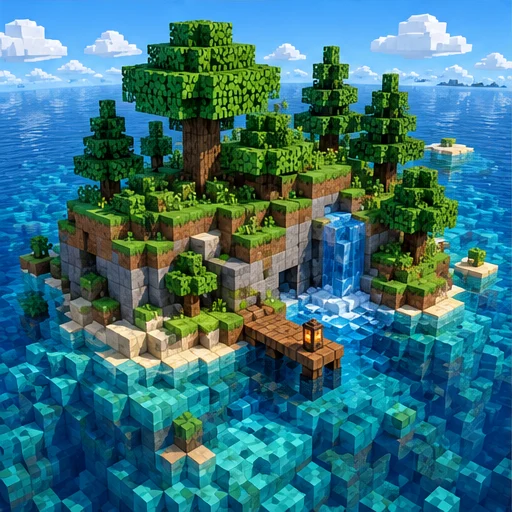
3D-inspired image
AI voxel art generator
Imagine a scene assembled from small cubic building blocks.
Open tool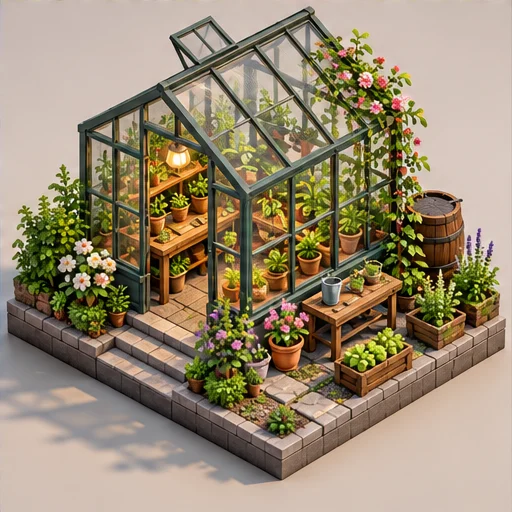
3D-inspired image
AI isometric art generator
See a small world from an orderly, elevated angle with its main parts in view.
Open tool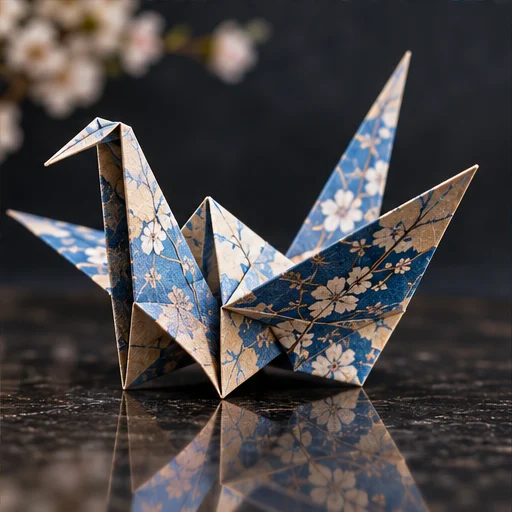
3D-inspired image
AI origami art generator
Let crisp folded planes and cast shadows suggest a paper-built subject.
Open tool