
AI · Uses credits
AI collage art generator
Combine paper-like fragments, cut edges and surprising scale into one new composition.
AI generation requires sign-in, available credits and a compatible published model.
Your canvas
Paper collageRoom for your next idea.
Choose a style and describe what you imagine. Your original artwork will appear here.
Reinterpret your image with an AI model, a description and credits.
How to use this tool
Collage-style generation is useful for editorial themes, music artwork and visual experiments. Specify the materials you want to suggest, such as newsprint, colored paper or photographic cutouts, and name the central subject.
Choose your starting point
Describe a subject, setting and mood. Sign in and choose an available AI model.
Shape the result
Choose the canvas ratio and refine your description. The selected model determines the credit cost and available settings.
Keep what you made
Compare the result with your source when available, then download the image before leaving or refreshing the page.
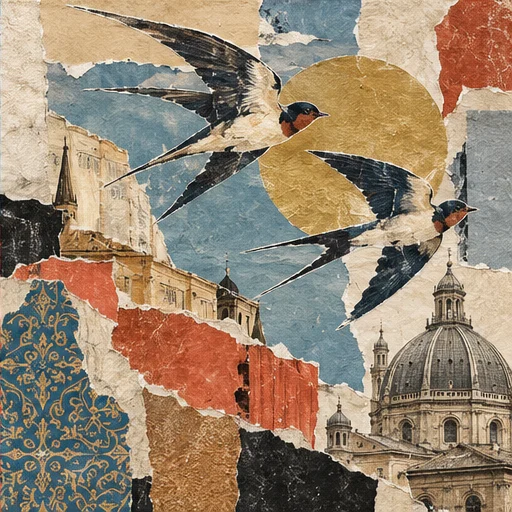
Style reference
A prompt to get you started
A giant orange moon above a small city, torn blue paper, newspaper textures and one photographic bicycle cutout, no readable headlines.
Use two or three material types and one focal subject. Describe how the pieces overlap instead of listing many unrelated objects.
What you can make
Explore mixed-paper textures and irregular cutout shapes.
Build a single narrative image from contrasting materials and scales.
Questions about this tool
Can I upload several photos and arrange them into a collage?
The current image-input workflow takes one source image. This creates collage-style artwork; it is not a multi-photo layout editor with individually movable layers.
What do I need to use an AI tool?
Sign in, choose a compatible published model and have enough credits for its displayed price. Available models and image sizes may vary; AI generation is not a free fixed effect.
When is my image sent, and is the history saved?
Your image or description is sent when you run the tool. Fixed effects run on our server; AI requests go to the selected model provider. The on-page history lasts only for this session, so download results before refreshing or leaving.
Explore related tools
Browse all art tools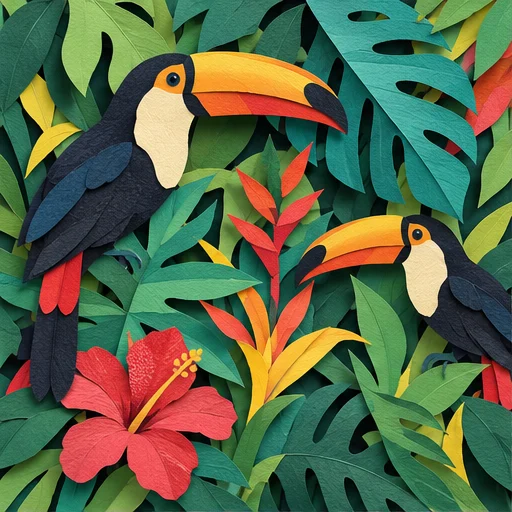
2D art
AI paper cut art generator
Build an illustration from distinct paper-like shapes and the shadows between them.
Open tool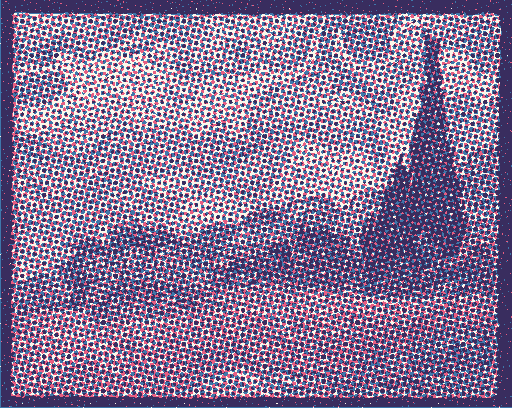
2D art
Risograph effect generator
Give a photo or drawing the layered color and slightly misaligned texture of a printed poster.
Open tool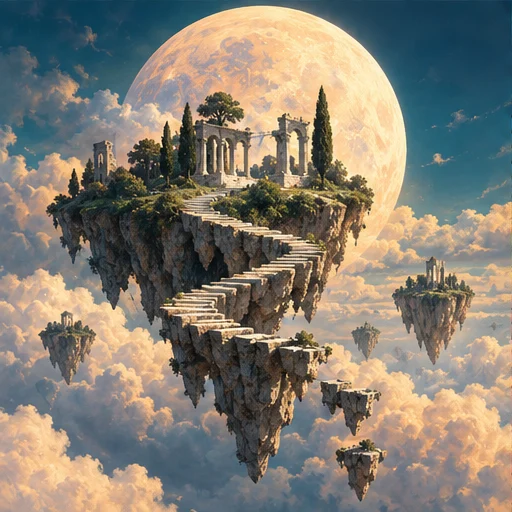
2D art
AI surreal art generator
Put familiar things into an unfamiliar relationship and build a scene around the surprise.
Open tool