
Free effect
Risograph effect generator
Give a photo or drawing the layered color and slightly misaligned texture of a printed poster.
Sign in to use this fixed effect for free. No AI model or credits are needed.
Your canvas
Risograph
Room for your next idea.
Upload an image, choose a style and adjust its effect. Your conversion will appear here.
Keep the layout of your image and apply a repeatable effect. No credits needed.
How to use this tool
The fixed riso effect combines a preset set of spot-ink colors, halftone screens and subtle grain. It suits zine illustrations, poster studies and editorial images where a small number of inks should remain visible.
Choose your starting point
Sign in and upload a PNG, JPEG or WebP image up to 5 MiB, or try the sample image.
Shape the result
Adjust the effect controls, then run the conversion. Images are resized to at most 512 px on the longest edge; transparency becomes white.
Keep what you made
Compare the result with your source when available, then download the image before leaving or refreshing the page.
See the conversion
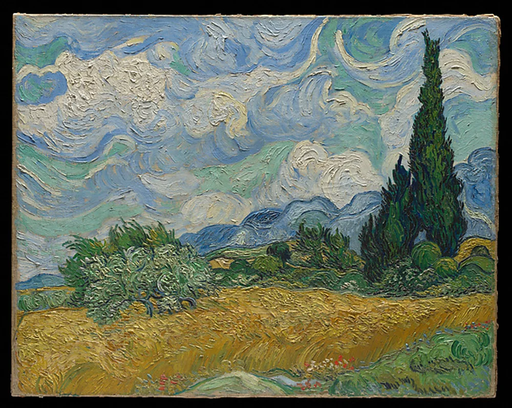
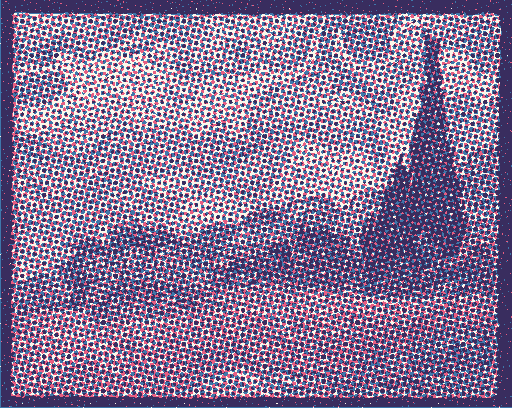
An actual fixed-effect conversion of the source image shown, using the saved example settings.
What you can make
Compare two-ink and three-ink treatments of the same source.
Control dot size and registration offset for a cleaner or rougher print impression.
Questions about this tool
Can I download separate ink layers for printing?
The tool downloads one combined PNG. It does not export individual ink separations, editable printing layers or a custom spot-color profile.
Do fixed effects use credits?
No. Sign in to use the six fixed conversion tools for free, including their downloads. AI generation is a separate option that uses credits.
When is my image sent, and is the history saved?
Your image or description is sent when you run the tool. Fixed effects run on our server; AI requests go to the selected model provider. The on-page history lasts only for this session, so download results before refreshing or leaving.
Explore related tools
Browse all art tools
2D art
Photo to pop art converter
Make the colors, contours and dot patterns of a familiar photo stand out.
Open tool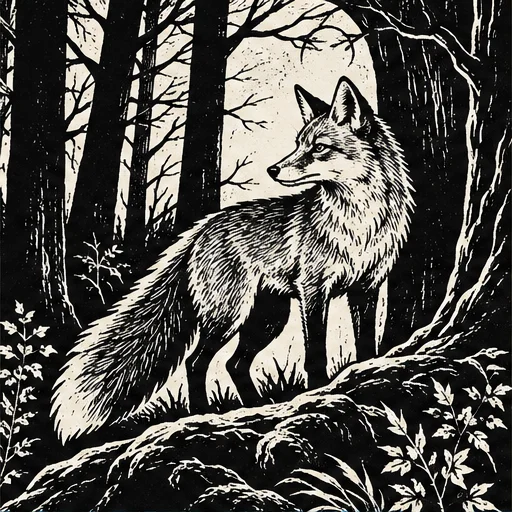
2D art
AI woodcut generator
Give a subject the bold contrast and irregular marks of a carved relief print.
Open tool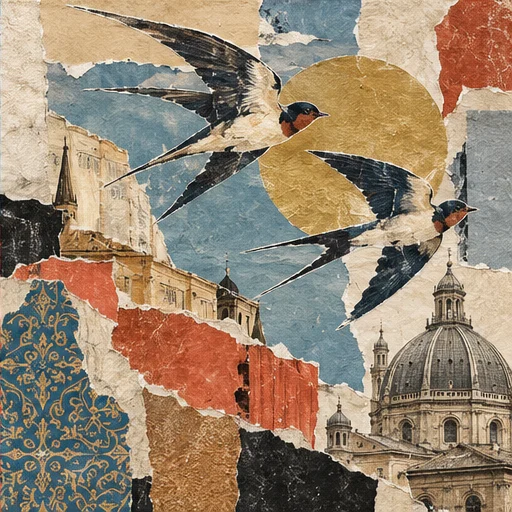
2D art
AI collage art generator
Combine paper-like fragments, cut edges and surprising scale into one new composition.
Open tool