
AI · Uses credits
AI woodcut generator
Give a subject the bold contrast and irregular marks of a carved relief print.
AI generation requires sign-in, available credits and a compatible published model.
Your canvas
WoodcutRoom for your next idea.
Choose a style and describe what you imagine. Your original artwork will appear here.
Reinterpret your image with an AI model, a description and credits.
How to use this tool
Woodcut-style images work through strong masses of black and light. Animals, trees and expressive faces can remain readable even when the surface is filled with carved-looking lines and rough ink texture.
Choose your starting point
Describe a subject, setting and mood. Sign in and choose an available AI model.
Shape the result
Choose the canvas ratio and refine your description. The selected model determines the credit cost and available settings.
Keep what you made
Compare the result with your source when available, then download the image before leaving or refreshing the page.
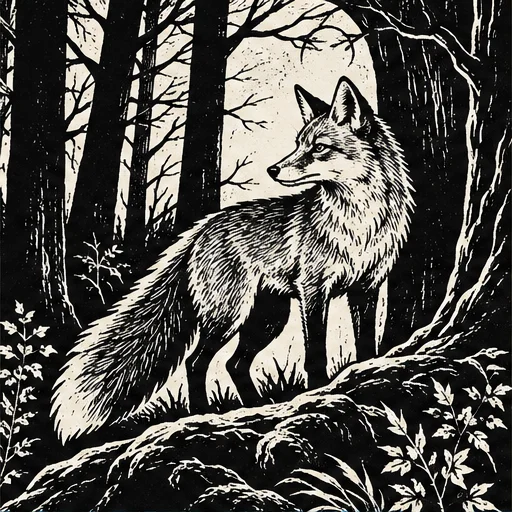
Style reference
A prompt to get you started
A raven on a crooked branch, bold black masses, rough carved highlights and diagonal gouge marks on pale paper, no lettering.
Choose a subject with a distinct outline and ask for a small number of large dark shapes before adding texture.
What you can make
Create striking monochrome studies with a clear silhouette.
Explore rough hatching and gouged texture within larger graphic shapes.
Questions about this tool
Can the result be sent straight to a laser cutter or engraver?
No. It is a visual image, not a verified cutting path or engraving file. Manufacturing requires separate tracing, material settings and design checks.
What do I need to use an AI tool?
Sign in, choose a compatible published model and have enough credits for its displayed price. Available models and image sizes may vary; AI generation is not a free fixed effect.
When is my image sent, and is the history saved?
Your image or description is sent when you run the tool. Fixed effects run on our server; AI requests go to the selected model provider. The on-page history lasts only for this session, so download results before refreshing or leaving.
Explore related tools
Browse all art tools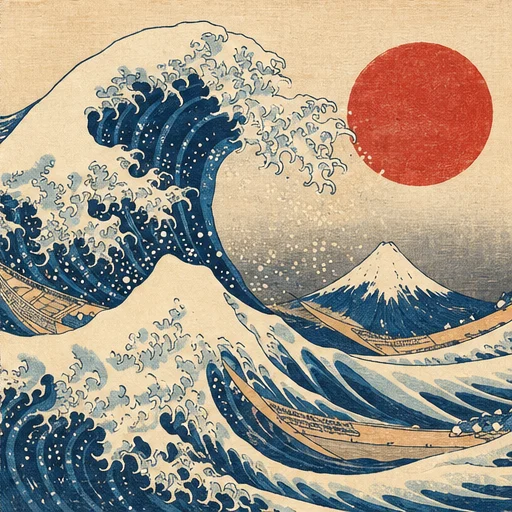
2D art
AI ukiyo-e generator
Reimagine a subject with flowing outlines, flat color layers and woodblock-print texture.
Open tool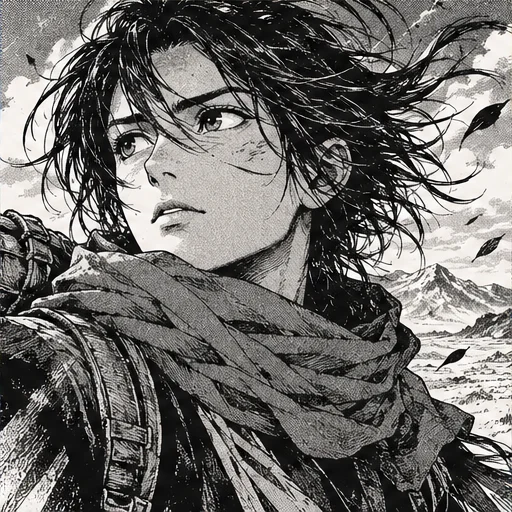
2D art
AI manga art generator
Explore a scene through strong ink lines, patterned shadows and expressive framing.
Open tool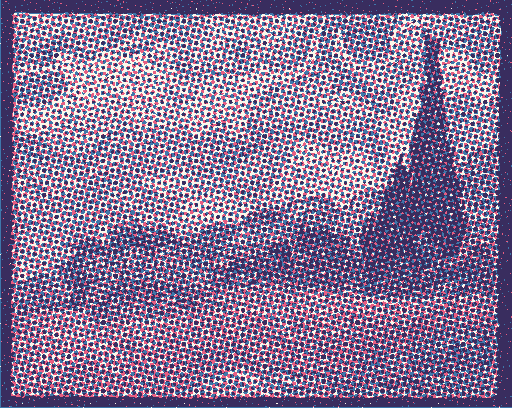
2D art
Risograph effect generator
Give a photo or drawing the layered color and slightly misaligned texture of a printed poster.
Open tool