
AI · Uses credits
AI manga art generator
Explore a scene through strong ink lines, patterned shadows and expressive framing.
AI generation requires sign-in, available credits and a compatible published model.
Your canvas
MangaRoom for your next idea.
Choose a style and describe what you imagine. Your original artwork will appear here.
Reinterpret your image with an AI model, a description and credits.
How to use this tool
Manga-style generation favors black-and-white contrast, varied line weight and screentone texture. A single clear action or expression is a useful starting point for a character study or panel-like image.
Choose your starting point
Describe a subject, setting and mood. Sign in and choose an available AI model.
Shape the result
Choose the canvas ratio and refine your description. The selected model determines the credit cost and available settings.
Keep what you made
Compare the result with your source when available, then download the image before leaving or refreshing the page.
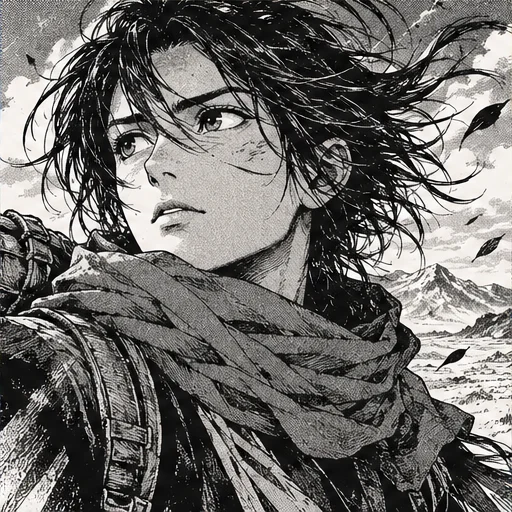
Style reference
A prompt to get you started
A bicycle courier pausing in a sudden rain shower, low camera angle, expressive eyes, black ink and restrained screentone shadows, no speech bubbles.
Describe one moment rather than a whole chapter. Add dialogue in a layout editor when readable wording is important.
What you can make
Develop monochrome character and action illustrations.
Guide dramatic camera angles, dark shapes and lighter screentone areas.
Questions about this tool
Does it generate a complete comic with accurate dialogue?
It generates an image, not a structured comic document. Consistent multi-panel storytelling and readable speech bubbles are not guaranteed.
What do I need to use an AI tool?
Sign in, choose a compatible published model and have enough credits for its displayed price. Available models and image sizes may vary; AI generation is not a free fixed effect.
When is my image sent, and is the history saved?
Your image or description is sent when you run the tool. Fixed effects run on our server; AI requests go to the selected model provider. The on-page history lasts only for this session, so download results before refreshing or leaving.
Explore related tools
Browse all art tools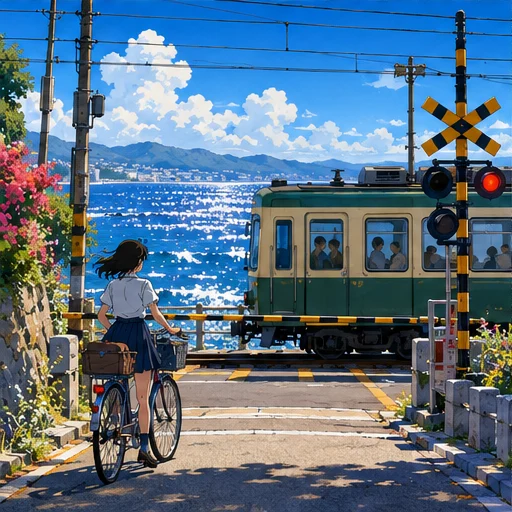
2D art
AI anime art generator
Describe a character and the world around them, from quiet rooms to open landscapes.
Open tool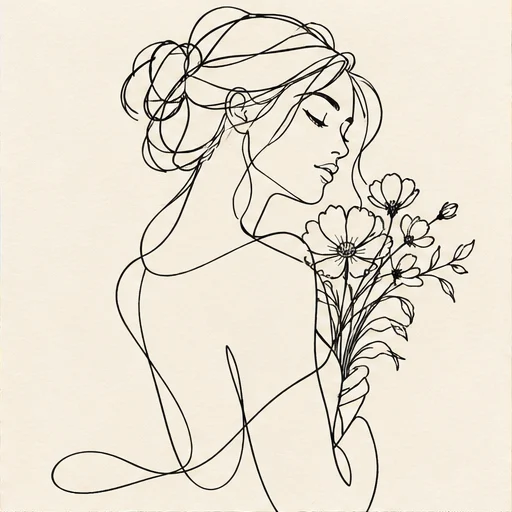
2D art
AI line art generator
Reduce your idea to expressive outlines and the spaces between them.
Open tool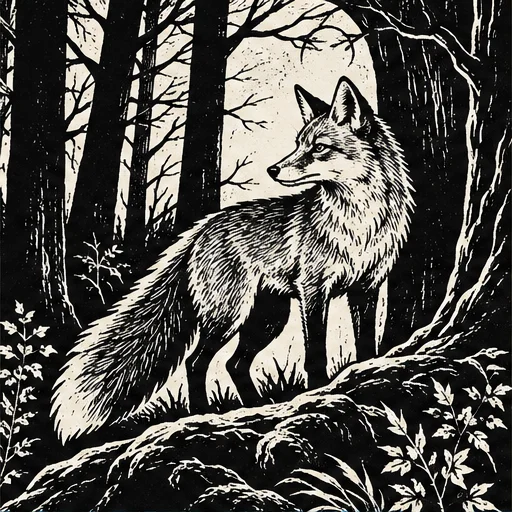
2D art
AI woodcut generator
Give a subject the bold contrast and irregular marks of a carved relief print.
Open tool