
AI · Uses credits
AI line art generator
Reduce your idea to expressive outlines and the spaces between them.
AI generation requires sign-in, available credits and a compatible published model.
Your canvas
Line artRoom for your next idea.
Choose a style and describe what you imagine. Your original artwork will appear here.
Reinterpret your image with an AI model, a description and credits.
How to use this tool
Line art works well for simple portraits, botanical studies and product silhouettes. Specify whether you want delicate contours, heavier outer edges or a sparse drawing so the model has a clear level of detail to aim for.
Choose your starting point
Describe a subject, setting and mood. Sign in and choose an available AI model.
Shape the result
Choose the canvas ratio and refine your description. The selected model determines the credit cost and available settings.
Keep what you made
Compare the result with your source when available, then download the image before leaving or refreshing the page.
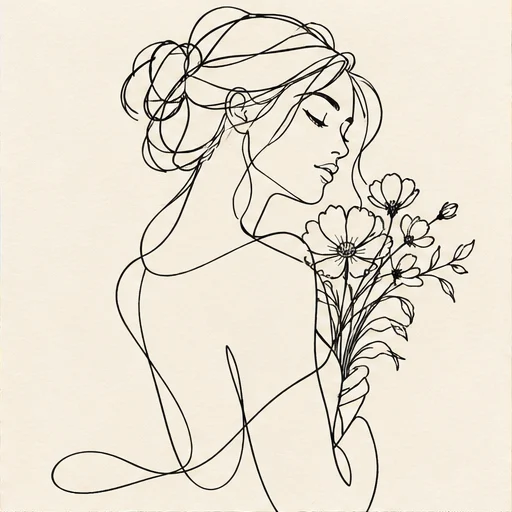
Style reference
A prompt to get you started
A side profile of a person holding a single flower, black contour lines on white, sparse interior detail and generous open space.
Ask for a plain background and a limited number of objects. State whether interior details should be sparse or visible.
What you can make
Explore clean outline studies with little filled shading.
Use negative space to separate a subject from a busy composition.
Questions about this tool
Does this export SVG or guarantee a single continuous line?
The result is a raster image. You can request a continuous-line appearance, but the model does not guarantee one connected path or provide editable vector strokes.
What do I need to use an AI tool?
Sign in, choose a compatible published model and have enough credits for its displayed price. Available models and image sizes may vary; AI generation is not a free fixed effect.
When is my image sent, and is the history saved?
Your image or description is sent when you run the tool. Fixed effects run on our server; AI requests go to the selected model provider. The on-page history lasts only for this session, so download results before refreshing or leaving.
Explore related tools
Browse all art tools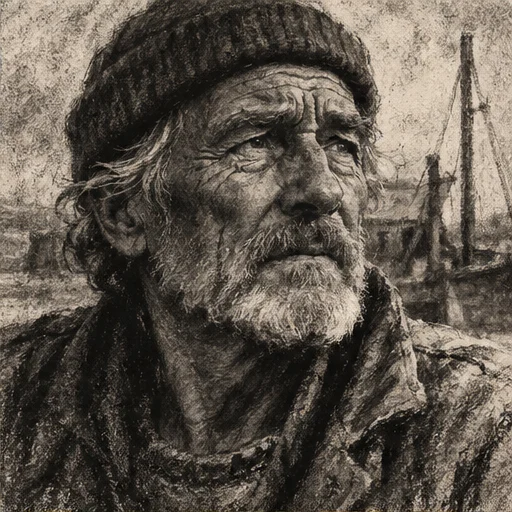
2D art
AI charcoal drawing generator
Describe form through dark tonal masses, rubbed shadows and a few sharp gestures.
Open tool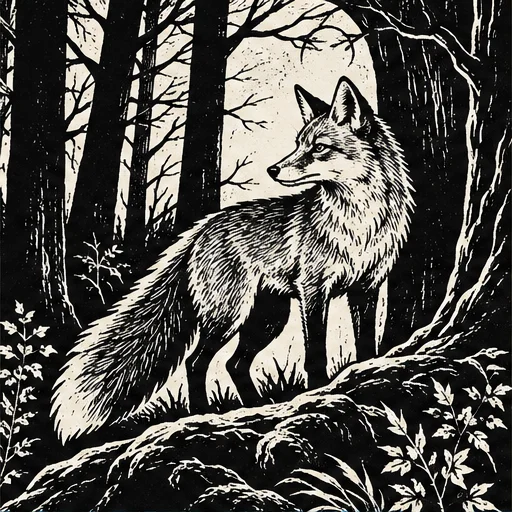
2D art
AI woodcut generator
Give a subject the bold contrast and irregular marks of a carved relief print.
Open tool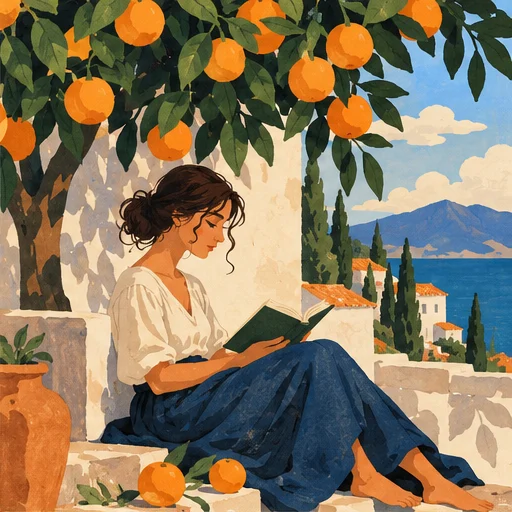
2D art
AI illustration generator
Turn a story or abstract idea into a visual scene with a clear point of view.
Open tool