
AI · Uses credits
AI anime art generator
Describe a character and the world around them, from quiet rooms to open landscapes.
AI generation requires sign-in, available credits and a compatible published model.
Your canvas
AnimeRoom for your next idea.
Choose a style and describe what you imagine. Your original artwork will appear here.
Reinterpret your image with an AI model, a description and credits.
How to use this tool
Anime-style images combine readable character silhouettes with deliberate shading and expressive settings. Details about clothing, camera distance and the time of day help connect the character to the scene.
Choose your starting point
Describe a subject, setting and mood. Sign in and choose an available AI model.
Shape the result
Choose the canvas ratio and refine your description. The selected model determines the credit cost and available settings.
Keep what you made
Compare the result with your source when available, then download the image before leaving or refreshing the page.
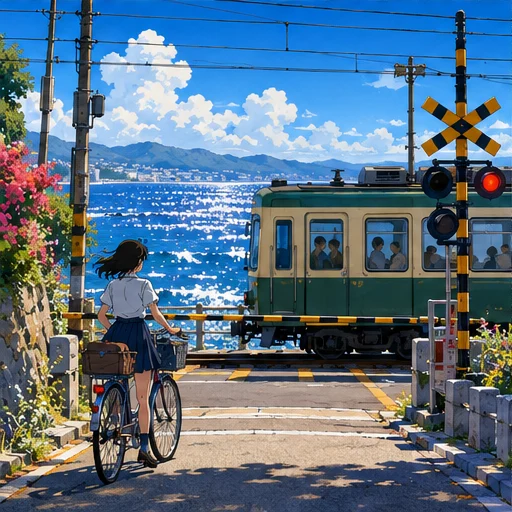
Style reference
A prompt to get you started
A young botanist on a seaside train platform, a green coat and field notebook, calm expression, bright clouds and summer afternoon light.
Specify the framing and one main expression. Keep a short, consistent description of important clothing or facial features.
What you can make
Create character portraits, avatars and illustrated backgrounds.
Explore cel-shaded forms alongside atmospheric painted environments.
Questions about this tool
Will the same character look identical in every generation?
Repeated descriptions can guide the model, but this tool does not guarantee character identity, matching poses or continuity across separate images.
What do I need to use an AI tool?
Sign in, choose a compatible published model and have enough credits for its displayed price. Available models and image sizes may vary; AI generation is not a free fixed effect.
When is my image sent, and is the history saved?
Your image or description is sent when you run the tool. Fixed effects run on our server; AI requests go to the selected model provider. The on-page history lasts only for this session, so download results before refreshing or leaving.
Explore related tools
Browse all art tools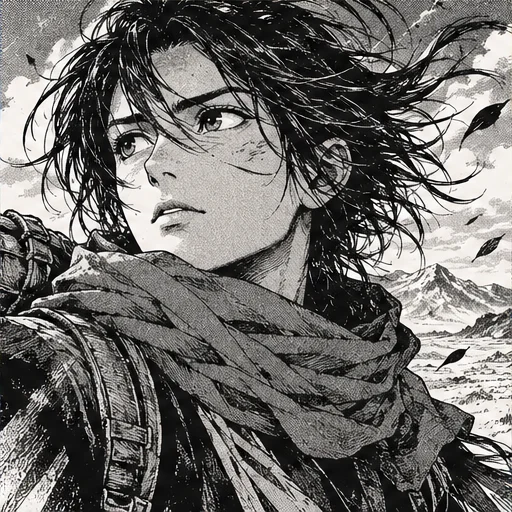
2D art
AI manga art generator
Explore a scene through strong ink lines, patterned shadows and expressive framing.
Open tool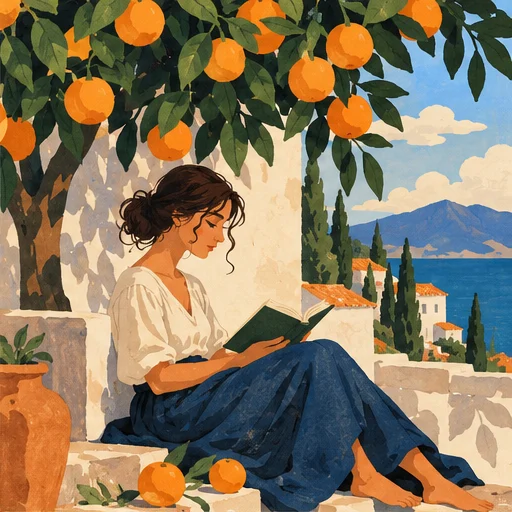
2D art
AI illustration generator
Turn a story or abstract idea into a visual scene with a clear point of view.
Open tool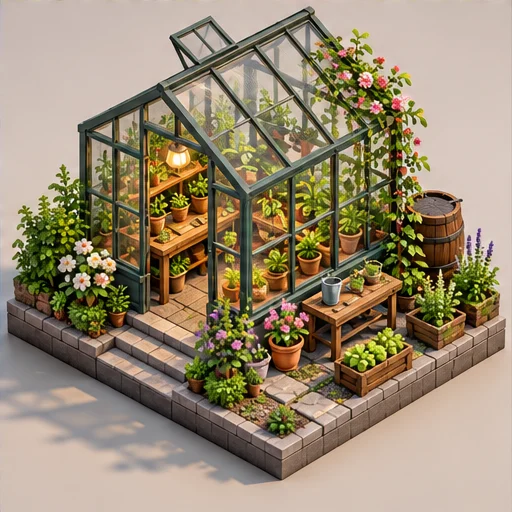
3D-inspired image
AI isometric art generator
See a small world from an orderly, elevated angle with its main parts in view.
Open tool