
AI · Uses credits
AI ink wash generator
Use dark brush gestures and pale washes to suggest more than you draw.
AI generation requires sign-in, available credits and a compatible published model.
Your canvas
Ink washRoom for your next idea.
Choose a style and describe what you imagine. Your original artwork will appear here.
Reinterpret your image with an AI model, a description and credits.
How to use this tool
Ink wash can place a few strong marks within generous empty space. Describe which objects should remain dark and which can dissolve into mist or paper to create depth without filling the whole scene.
Choose your starting point
Describe a subject, setting and mood. Sign in and choose an available AI model.
Shape the result
Choose the canvas ratio and refine your description. The selected model determines the credit cost and available settings.
Keep what you made
Compare the result with your source when available, then download the image before leaving or refreshing the page.
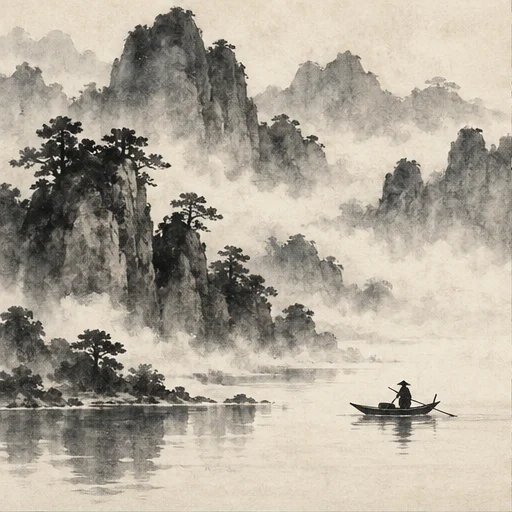
Style reference
A prompt to get you started
Three bamboo stems beside a distant misty hill, dark dry-brush leaves, pale ink washes and a large untouched area of warm paper.
Limit the subject to a few forms and describe the areas you want left open. Add calligraphy separately if exact characters matter.
What you can make
Build quiet monochrome landscapes and botanical images.
Balance dry-brush texture, diluted washes and intentional empty space.
Questions about this tool
Can it write accurate calligraphy or provide brush paths?
Neither accurate lettering nor editable brush paths is guaranteed. The tool creates a raster painting-style image; precise calligraphy should be added separately.
What do I need to use an AI tool?
Sign in, choose a compatible published model and have enough credits for its displayed price. Available models and image sizes may vary; AI generation is not a free fixed effect.
When is my image sent, and is the history saved?
Your image or description is sent when you run the tool. Fixed effects run on our server; AI requests go to the selected model provider. The on-page history lasts only for this session, so download results before refreshing or leaving.
Explore related tools
Browse all art tools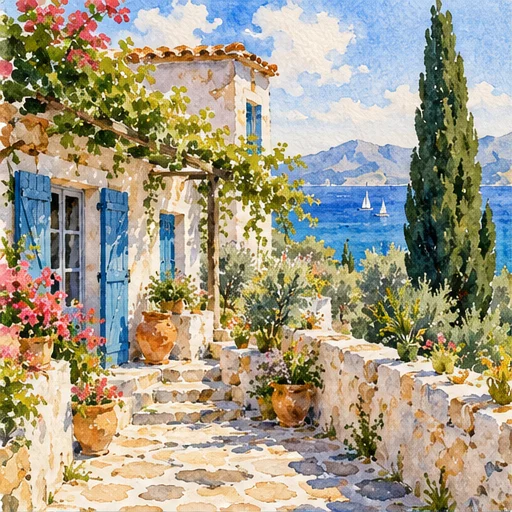
2D art
AI watercolor generator
Give a scene room to breathe through translucent color, softened edges and untouched paper.
Open tool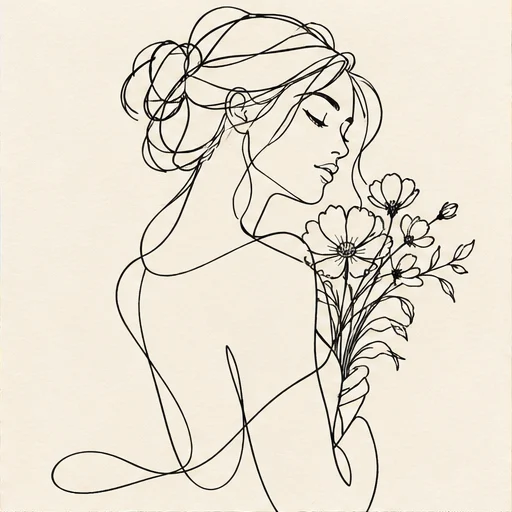
2D art
AI line art generator
Reduce your idea to expressive outlines and the spaces between them.
Open tool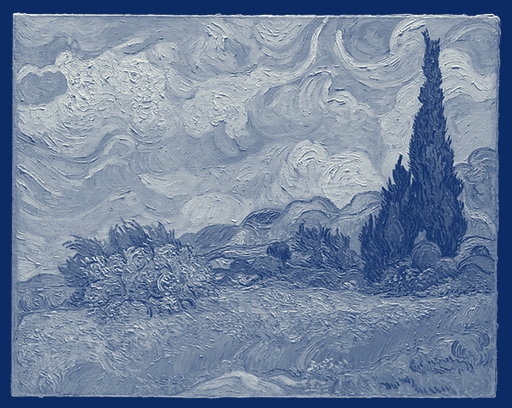
2D art
Cyanotype photo filter
Translate the light and dark areas of your photograph into a blue-and-white print effect.
Open tool