
Free effect
Image to pixel art converter
Reduce a photo or drawing to square color blocks while keeping its original composition.
Sign in to use this fixed effect for free. No AI model or credits are needed.
Your canvas
Pixel art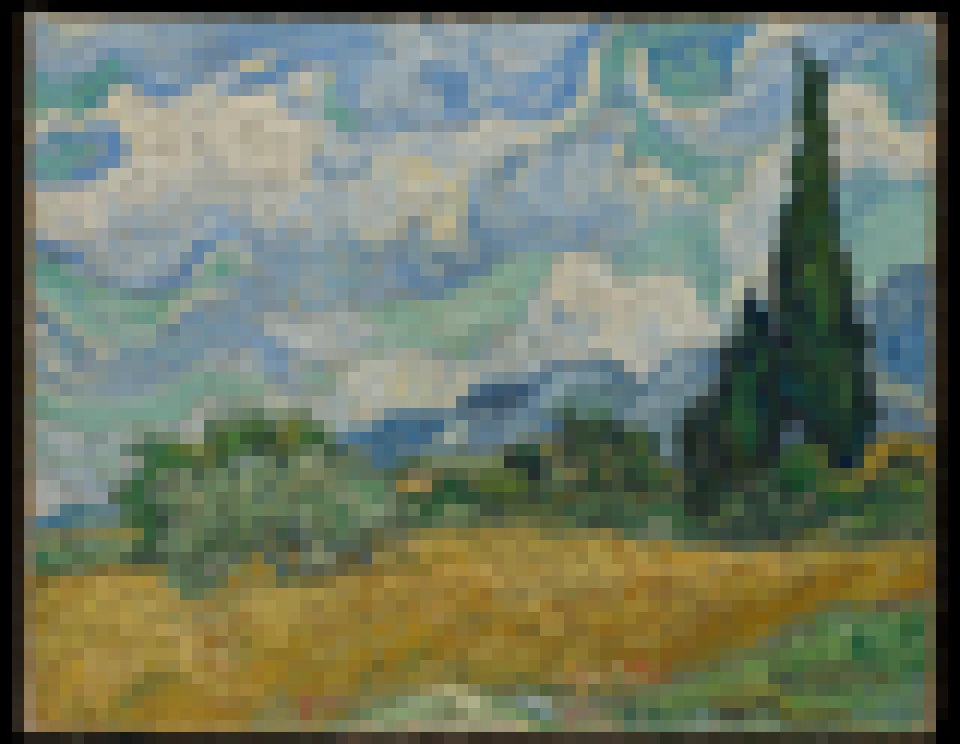
Room for your next idea.
Upload an image, choose a style and adjust its effect. Your conversion will appear here.
Keep the layout of your image and apply a repeatable effect. No credits needed.
How to use this tool
This converter groups image detail into a pixel grid and a limited palette. Use it for retro profile images, small illustrations or an initial pixel study, then compare coarse blocks with finer detail.
Choose your starting point
Sign in and upload a PNG, JPEG or WebP image up to 5 MiB, or try the sample image.
Shape the result
Adjust the effect controls, then run the conversion. Images are resized to at most 512 px on the longest edge; transparency becomes white.
Keep what you made
Compare the result with your source when available, then download the image before leaving or refreshing the page.
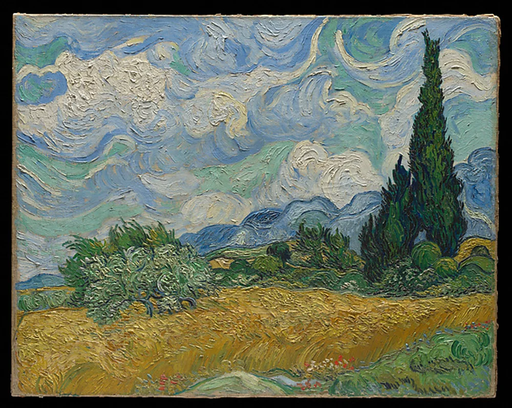
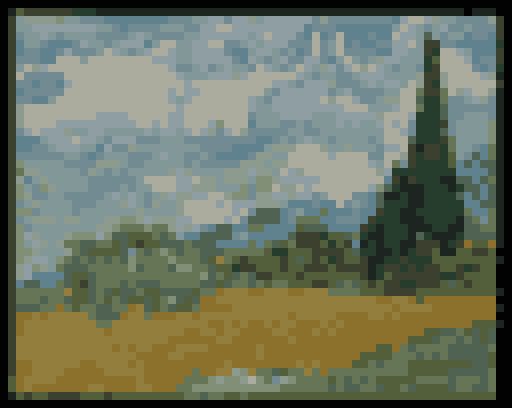
See the conversion
An actual fixed-effect conversion of the source image shown, using the saved example settings.
What you can make
Choose a block size and a palette of 8, 16 or 32 colors.
Use dithering to suggest gradients within a limited color palette.
Questions about this tool
Does this make transparent sprites or animation sheets?
It produces a single PNG, with transparent input areas placed on white. It preserves the image layout rather than designing animation frames, a sprite sheet or a hand-edited game asset.
Do fixed effects use credits?
No. Sign in to use the six fixed conversion tools for free, including their downloads. AI generation is a separate option that uses credits.
When is my image sent, and is the history saved?
Your image or description is sent when you run the tool. Fixed effects run on our server; AI requests go to the selected model provider. The on-page history lasts only for this session, so download results before refreshing or leaving.
Explore related tools
Browse all art tools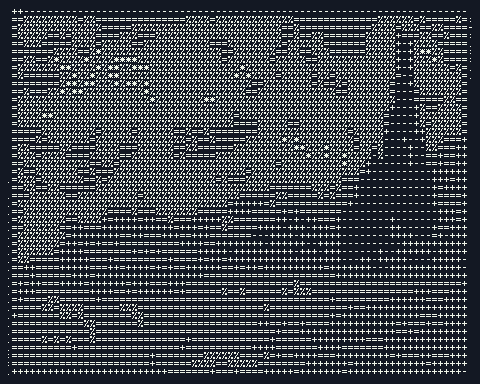
2D art
Free ASCII art generator
Turn an image into characters you can copy, paste and download. Start with a photo or try the sample; no AI credits are needed.
Open tool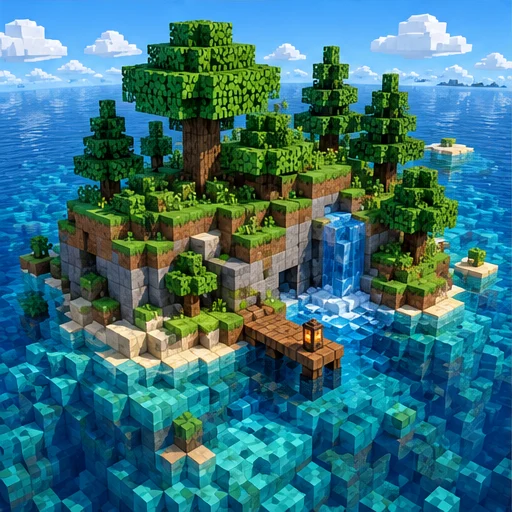
3D-inspired image
AI voxel art generator
Imagine a scene assembled from small cubic building blocks.
Open tool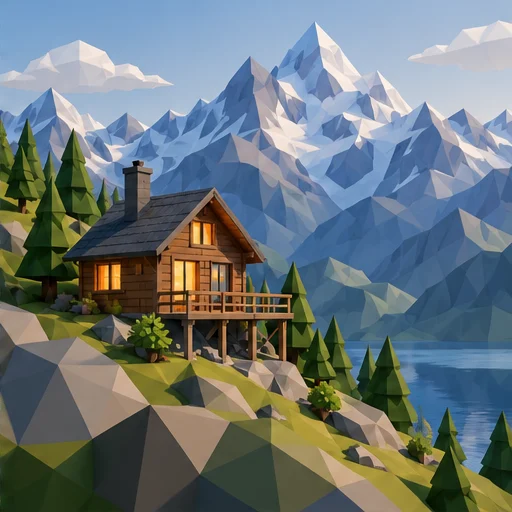
3D-inspired image
AI low poly art generator
Let clear facets and simple forms give your subject a geometric appearance.
Open tool