
AI · Uses credits
AI ASCII art generator
Describe something you want to see in characters. AI creates the source image, then the free converter turns it into editable ASCII art.
AI generation requires sign-in, available credits and a compatible published model.
Your canvas
ASCII artRoom for your next idea.
Choose a style and describe what you imagine. Your original artwork will appear here.
AI creates an image from your prompt, then converts it into real ASCII text. AI generation uses credits; ASCII conversion is free.
How to use this tool
This workflow joins two distinct steps: AI image generation uses credits, while the character conversion is free. Choose a compatible model that returns its image directly, then keep the resulting character grid as text or a PNG.
Choose your starting point
Describe a subject with a clear silhouette. Choose a compatible AI model to create the source image using credits.
Shape the result
The AI image is converted into real characters. Adjust columns or invert brightness, then update the ASCII result for free.
Keep what you made
Copy the character grid or download TXT and PNG. Keep line breaks and use a monospaced font when pasting text.
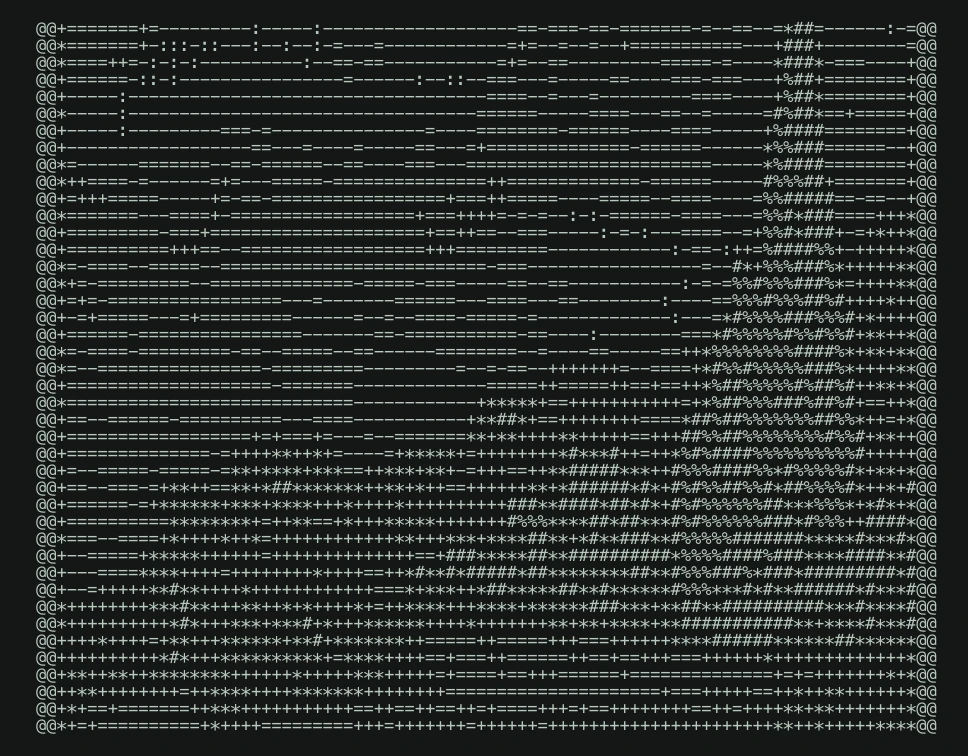
Style reference
A prompt to get you started
A curious owl perched on a branch, large clear eyes, bold silhouette, plain bright background, no lettering.
Ask for one recognizable subject, strong contrast and a quiet background. Tiny details and embedded lettering are harder to read in a character grid.
What you can make
Start from a written idea and finish with real, copyable ASCII characters.
Adjust or retry the ASCII conversion without paying to generate the source again.
Questions about this tool
Do I pay again if the ASCII conversion fails?
Once the AI source image is ready, retrying its ASCII conversion is free and does not generate another AI image. Keep this page open to reuse the source. Choosing to generate a new AI image is a separate credit-using action.
What do I need to use an AI tool?
Sign in, choose a compatible published model and have enough credits for its displayed price. Available models and image sizes may vary; AI generation is not a free fixed effect.
When is my image sent, and is the history saved?
Your image or description is sent when you run the tool. Fixed effects run on our server; AI requests go to the selected model provider. The on-page history lasts only for this session, so download results before refreshing or leaving.
Explore related tools
Browse all art tools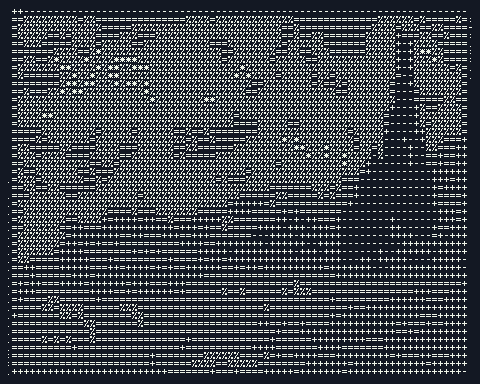
2D art
Free ASCII art generator
Turn an image into characters you can copy, paste and download. Start with a photo or try the sample; no AI credits are needed.
Open tool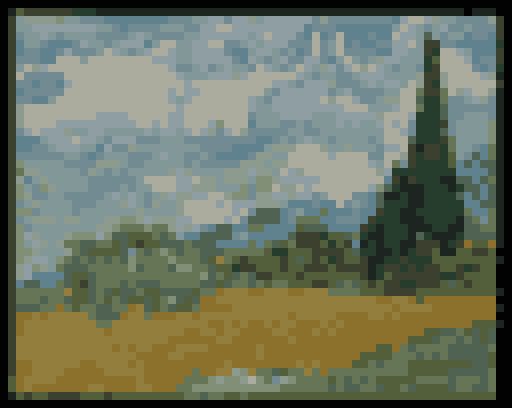
2D art
Image to pixel art converter
Reduce a photo or drawing to square color blocks while keeping its original composition.
Open tool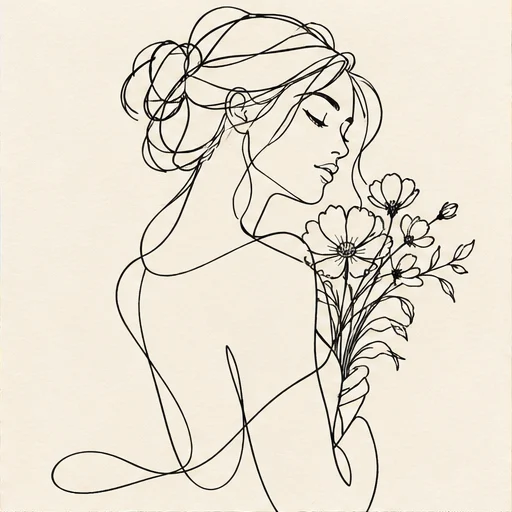
2D art
AI line art generator
Reduce your idea to expressive outlines and the spaces between them.
Open tool