
AI · Uses credits
AI wireframe art generator
Reveal an object as a network of visible edges against a restrained background.
AI generation requires sign-in, available credits and a compatible published model.
Your canvas
WireframeRoom for your next idea.
Choose a style and describe what you imagine. Your original artwork will appear here.
Reinterpret your image with an AI model, a description and credits.
How to use this tool
Wireframe art can make form and perspective the subject of the image. Describe a simple object and the contrast between its mesh-like lines and the background to produce a readable technical-looking illustration.
Choose your starting point
Describe a subject, setting and mood. Sign in and choose an available AI model.
Shape the result
Choose the canvas ratio and refine your description. The selected model determines the credit cost and available settings.
Keep what you made
Compare the result with your source when available, then download the image before leaving or refreshing the page.

Style reference
A prompt to get you started
A single running shoe shown as luminous polygon edges on a dark navy background, clear perspective and no filled surfaces or labels.
Begin with one recognizable object and a plain background. Very dense linework can make the silhouette difficult to see.
What you can make
Develop mesh-inspired objects and technology-themed artwork.
Explore line density and perspective as visual directions in your prompt.
Questions about this tool
Is this a UI wireframing tool or an editable 3D mesh?
Neither. It generates artistic images with a mesh-like appearance. It does not create website layouts, editable topology or engineering wireframes.
What do I need to use an AI tool?
Sign in, choose a compatible published model and have enough credits for its displayed price. Available models and image sizes may vary; AI generation is not a free fixed effect.
When is my image sent, and is the history saved?
Your image or description is sent when you run the tool. Fixed effects run on our server; AI requests go to the selected model provider. The on-page history lasts only for this session, so download results before refreshing or leaving.
Explore related tools
Browse all art tools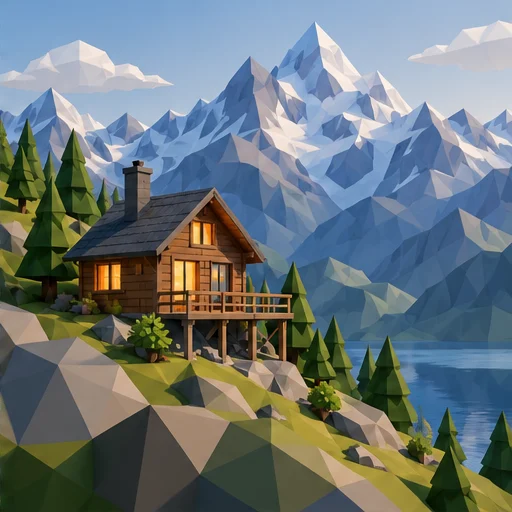
3D-inspired image
AI low poly art generator
Let clear facets and simple forms give your subject a geometric appearance.
Open tool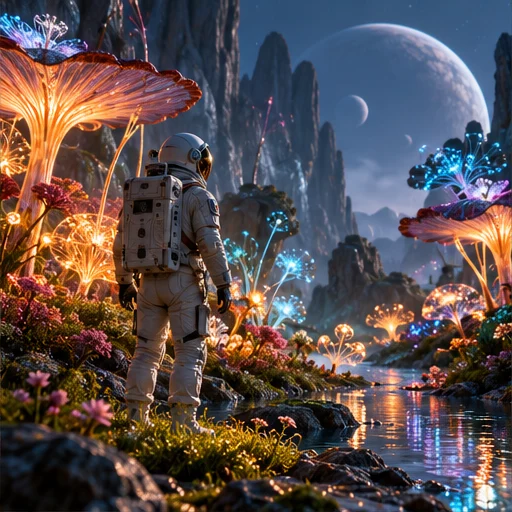
3D-inspired image
AI 3D image generator
Describe the materials, light and camera angle of a scene to create a rendered-looking image.
Open tool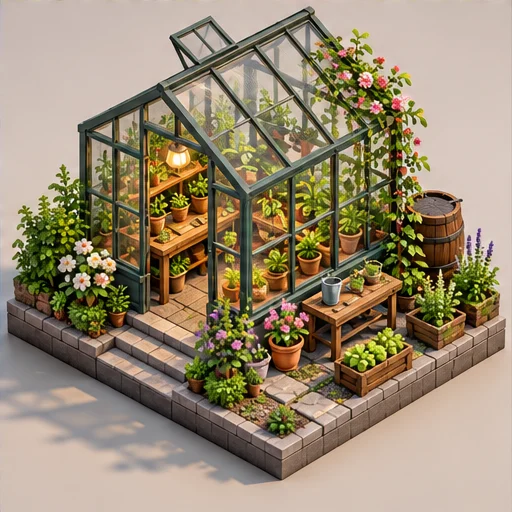
3D-inspired image
AI isometric art generator
See a small world from an orderly, elevated angle with its main parts in view.
Open tool